
E-commerce
Radio Programming Software Explained (Without the Jargon)
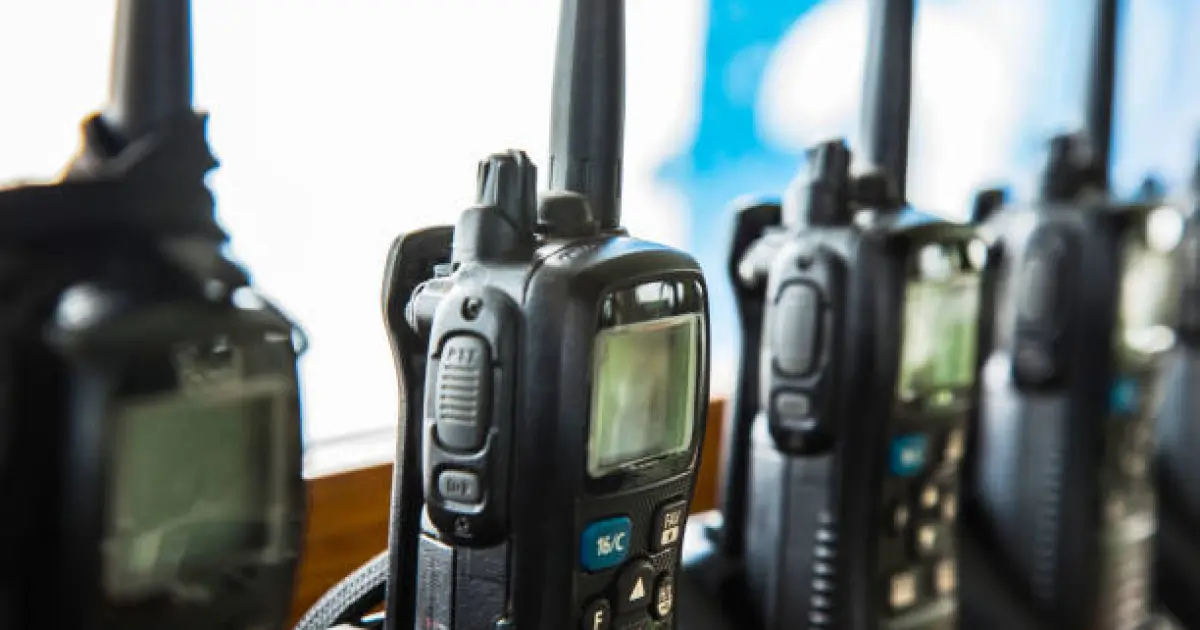
Buy a new radio and you might expect to turn it on and start talking. Often you can, but only after someone has told it which channels to use. That "telling" is programming, and it's handled by special software. For many first-time buyers, this part feels intimidating. It doesn't have to be. Let's walk through what programming actually does, what the software is, and how to keep your setup tidy.
What Programming Actually Means
A radio is a small computer with an antenna. Programming is the process of loading settings into it: which frequencies it can use, what channels appear on the knob, who it can call, which buttons do what, and how loud the alerts should be. Think of it like setting up a new phone. The hardware is ready, but it needs your preferences to be useful.
Without programming, a professional radio might sit on blank channels or default settings that don't match your team. With it, the radio becomes a tool shaped for your business.
What the Software Does
Each major brand has its own programming software, often called customer programming software, or CPS. You install it on a computer, connect the radio with a programming cable, read the radio's settings, change what you need, and write the new settings back.
Atlantic Radio lists programming software for Hytera, Icom, and Motorola. For example, it offers the Hytera Customer Programming Software, an Icom cloning software package with firmware, and a Motorola MOTOTRBO CPS 2.0 license. It also carries programming cables for several brands, since the right cable matters as much as the software.
DIY or Let Someone Else Do It?
There are two sensible paths.
Programming It Yourself
If you have a small fleet or enjoy a technical task, the software and cable may be a good investment. You'll have control over changes, such as adding a channel or renaming a button. It takes a bit of practice, and it's wise to save a backup of every configuration file, so you can restore settings if something goes wrong.
Using a Professional Service
If you'd rather not learn the software, a professional can do it for you. Atlantic Radio offers two-way radio programming services for both DMR and analog radios, along with installation and repair. For many businesses, especially those with larger fleets, that's the easiest route.
Licenses and Features
Some features are unlocked with license keys. These might add things like extra channel capacity or advanced privacy options. Atlantic Radio lists items such as a Motorola license key for 20/25 kHz channels and a Hytera AES 256-bit encryption license. When shopping, check whether a feature you need requires a license, so you don't discover that later.
Building a Programming Plan
Before anyone touches the software, sketch a plan on paper. A simple outline works fine:
List your teams and what each needs to do.
Assign channels to each group.
Decide which buttons should do what, such as emergency or private call.
Pick names that make sense, like "Front Desk" or "Maintenance."
Choose a standard for every radio, so staff don't have to relearn controls when they swap.
A clean plan makes the software part much easier, and your team will find the radios more intuitive.
Pair Programming With Good Hardware
Software can only do so much. If a battery is weak or an antenna is damaged, even a perfectly programmed radio will disappoint. Good equipment matters, and it's worth choosing professional two way radios that support the features you want, then programming them carefully. A solid radio plus smart programming usually beats an expensive radio set up in a hurry.
Don't Forget the Cables and Extras
The right cable is vital. A mismatch can prevent the software from connecting or, worse, cause errors. Atlantic Radio stocks programming, power, and data cables for several brands, and it makes sense to confirm the cable fits your model before ordering. The same logic applies to two way radio accessories in general: batteries, chargers, antennas, and clips all need to match the radio. When in doubt, ask the supplier to confirm.
Mobile and Base Radios Need Programming Too
Vehicle and base radios use similar software, and they often have extra settings, such as ignition sense, external speaker control, and microphone options. When you install a mobile two-way radio, it's worth planning the programming and the installation together. That way, the radio's settings match the way it's wired, mounted, and used.
Final Thoughts
Programming sounds technical, but it's really about teaching your radios how your business works. Whether you do it yourself or hire a professional, a clear plan, patient testing, and the right hardware make the whole process smoother. Treat it as part of the purchase, not an afterthought, and your radios will feel natural from day one. Take your time, honestly.


0 Comments
No comments yet. Be the first to respond.
Log in to comment