
Media & Entertainment
How Do I Transfer an IPTV Account to Another Person, or Close It for a Relative?
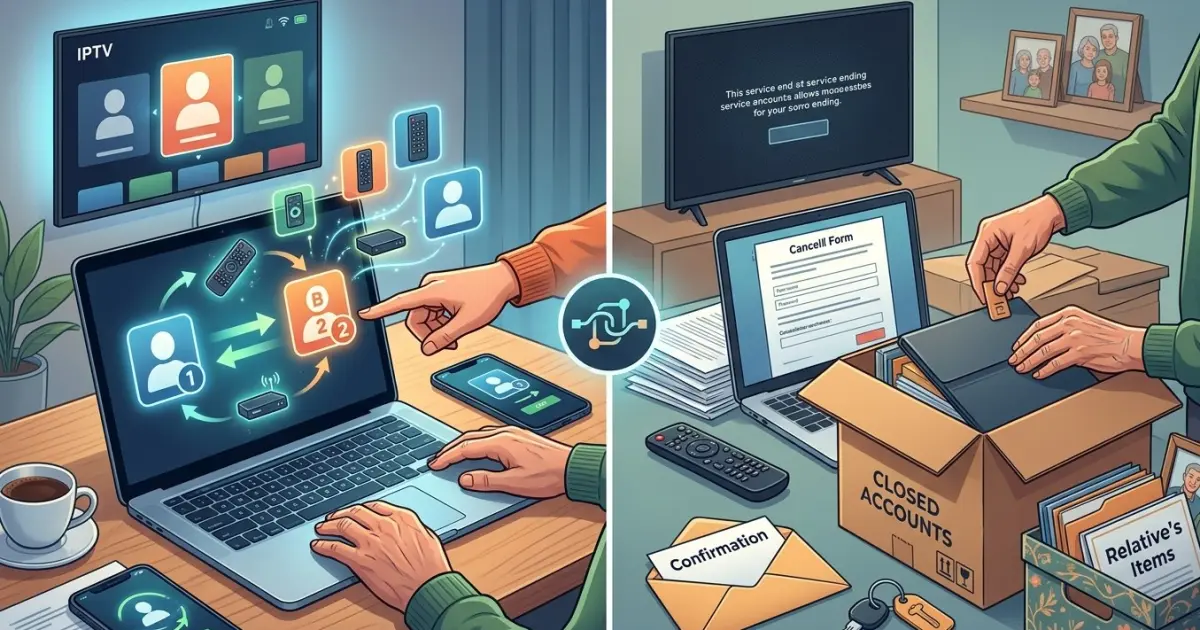
Managing an IPTV subscription on behalf of a family member can sometimes become necessary. Perhaps a relative is moving, no longer needs the service, or wants another person to take over the subscription. In other situations, you may need to close an account after a family member has moved into assisted living or passed away.
Before making any changes, it is important to understand the provider's account policies, ownership requirements, and cancellation procedures. Whether your household uses IPTV India services or an Indian IPTV Box, following the correct process can help prevent billing problems and protect personal information.
Table of Contents
Can an IPTV Account Be Transferred?
How to Transfer an IPTV Account
How to Close an IPTV Account for a Relative
What Happens to the Device and Personal Information?
Common Mistakes to Avoid
Frequently Asked Questions
1. Can an IPTV Account Be Transferred?
Whether an IPTV account can be transferred depends on the provider's terms and conditions.
Some providers allow account ownership changes after verifying the existing account holder's permission. Others require the original subscription to be cancelled before the new customer creates a separate account.
Before proceeding, check:
Whether account transfers are permitted.
Whether the original account holder must provide consent.
Whether identity or billing verification is required.
Whether the subscription can continue without interruption.
Whether the registered email address and payment details can be changed.
Never assume that giving someone your login credentials automatically transfers legal ownership of a subscription.
2. How to Transfer an IPTV Account
If your provider permits transfers, follow these steps.
Step 1: Contact the Provider
Ask customer support about its official account transfer procedure. Explain that another person will become responsible for the subscription.
Step 2: Obtain the Account Holder's Permission
The existing account holder should authorize the transfer. If you are helping a relative, make sure you have their permission or appropriate legal authority.
Step 3: Complete Verification
The provider may request information such as the registered email address, account number, or proof of authorization. Share sensitive information only through official support channels.
Step 4: Update Account Details
If approved, update the account holder's contact information, email address, billing details, and recovery options according to the provider's instructions.
Step 5: Confirm the Transfer
Ask for written confirmation that the new account holder is recognized and that the subscription remains active.
3. How to Close an IPTV Account for a Relative
If a family member no longer needs their subscription, cancellation may be the simplest option.
Contact Customer Support
Use the provider's official website, email, or customer service channel to request cancellation.
Explain Your Authority
If you are closing an account for someone else, the provider may require the account holder's consent or documentation showing that you are authorized to act on their behalf.
For a deceased relative, ask about the provider's bereavement or estate-handling process. Requirements may differ.
Check Upcoming Payments
Ask whether automatic renewal is active and confirm the cancellation deadline. Request written confirmation of the final billing date and any remaining charges.
Keep Cancellation Records
Save emails, support ticket numbers, and cancellation confirmations. These records can help resolve unexpected billing issues.
4. What Happens to the Device and Personal Information?
Closing or transferring a subscription does not necessarily remove information stored on the streaming box.
Before giving away or disposing of the device:
Sign out of personal accounts and streaming applications.
Remove saved payment information where applicable.
Disconnect linked Google or other accounts.
Back up important personal settings if needed.
Perform a factory reset before passing the device to someone else.
If the account is transferred, confirm whether the provider requires the existing device to be deregistered or activated again.
5. Common Mistakes to Avoid
Avoid these mistakes when managing a relative's subscription:
Sharing passwords instead of using the official transfer process.
Cancelling before checking remaining subscription terms.
Forgetting to disable automatic renewal.
Leaving personal payment details on the device.
Assuming a factory reset automatically cancels the subscription.
Failing to keep written confirmation of the provider's decision.
Taking a few extra precautions can prevent account access and billing complications.
Frequently Asked Questions1. Can I transfer my IPTV subscription to a family member?
Some providers permit transfers, while others require a new subscription. Contact customer support to confirm the applicable policy.
2. Can I cancel an IPTV account on behalf of my parents?
You may be able to, but the provider could require their consent or proof that you are authorized to manage the account.
3. Will cancelling the subscription erase my IPTV box settings?
Usually, no. Subscription cancellation and device data are separate. You may need to reset the box manually before giving it away.
4. What happens to unused subscription time after cancellation?
Refunds or remaining subscription credits depend on the provider's refund and cancellation policy. Ask for written clarification before closing the account.
5. Should I change the password before transferring an account?
Follow the provider's official transfer instructions. The new account holder should have secure, separate login credentials after the transfer is completed.
Conclusion and Call to Action
Transferring or closing an IPTV account for a relative requires careful attention to account ownership, authorization, billing, and personal information. Always contact the provider first, follow its official procedures, and keep written confirmation of any changes.
For more information about streaming services and device setup, explore IPTV India and learn more about choosing and managing a compatible Indian IPTV Box for your home entertainment needs.


0 Comments
No comments yet. Be the first to respond.
Log in to comment